

- Open the Clave App and Navigate to your profile
- Select Social Backup, which will allow you to set up the initial backup process.
- Add Guardians by entering their username, ENS, or 0x address. Guardians can assist you in recovering your account if access is lost. Always ensure you have at least one guardian assigned.
- Enter Your Email Address: Provide your email address to receive notifications about your account’s safety and important updates. You will be informed about recovery actions or necessary actions to keep your account secure.
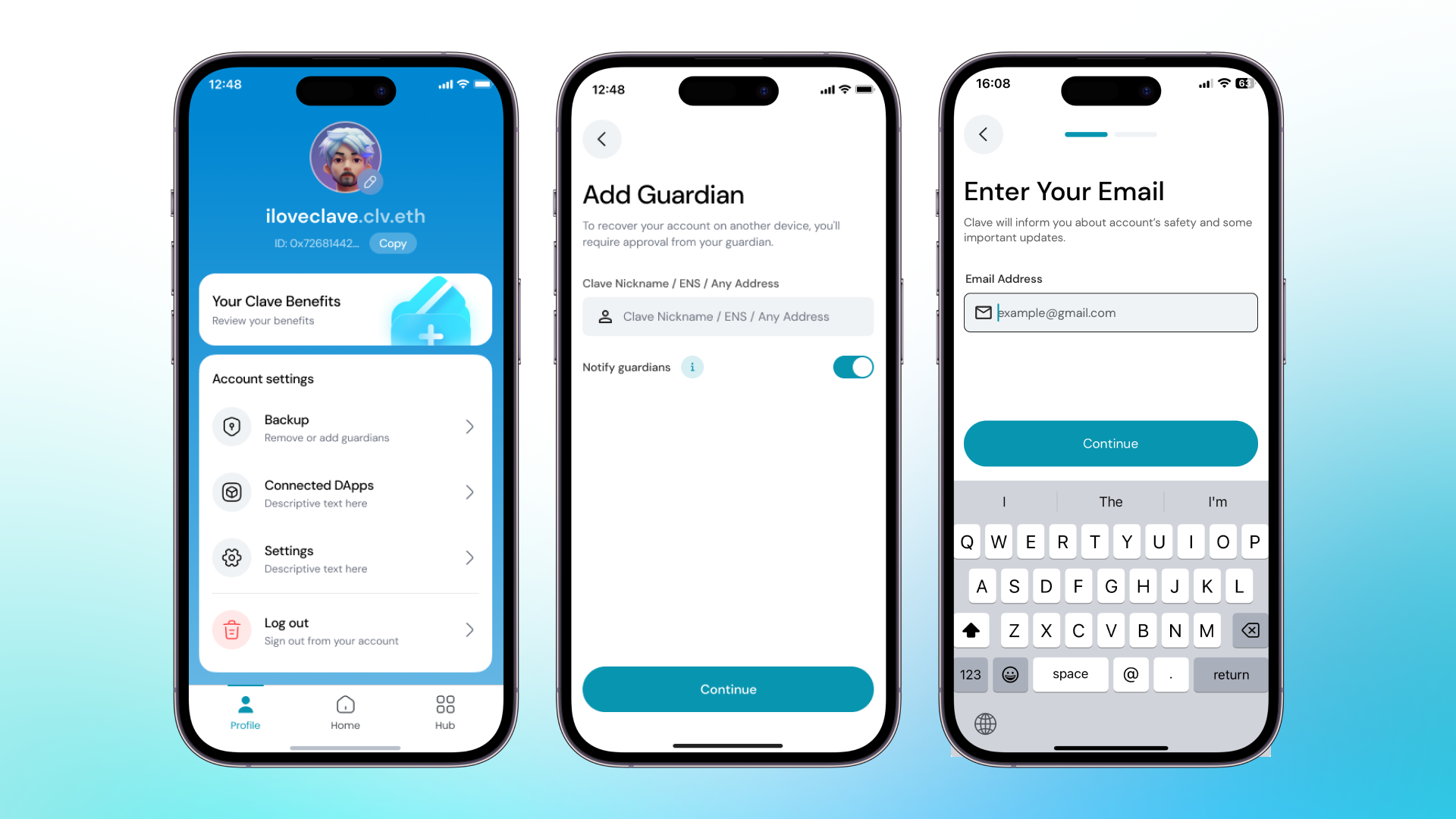 Assigning guardians to your Clave account significantly enhances the security and recoverability of your assets, providing peace of mind knowing that you have trusted individuals or wallets to help you in times of need.